

Every week e-safety adviser Alan Mackenzie sends me weekly updates. They are useful teaching resources but also parent guides to keep you up to date with current trends.
Here are this week’s tips:
Consultation: Growing Up in the Online World
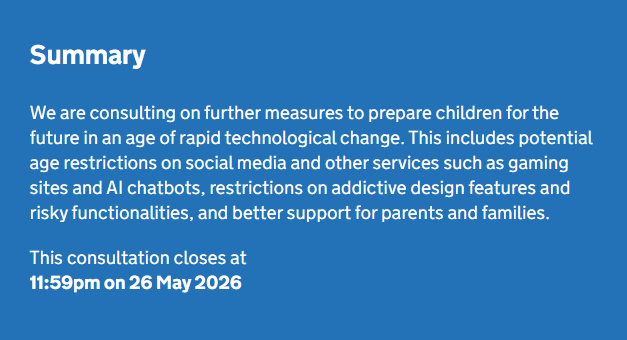
After over 20 years of nothing but tumbleweeds, governments around the world are consulting on and bringing in new legislation at a very fast pace in order to protect children online. Apart from the enormous and highly complex Online Safety Act here in the UK, the majority seem to be around app and age restrictions. As an example, Indonesia now doesn’t allow under 16’s to play Roblox!
The Growing Up in the Online World consultation is being carried out by DSIT (Department for Science, Innovation and Technology) and it’s going to be very interesting to see the outcomes of this which closes on 26th May. The consultation includes:
• Setting a legal minimum age for children to access social media.
o Although the House of Commons rejected a ban for under 16’s this week, 9th March.
• Whether the digital age of consent should be raised (currently 13 in many countries).
• Restricting risky functionalities and design features which cover excessive use (doesn’t the Age Appropriate Design Code from the ICO already do this?).
• Better support and clearer, simpler controls for parents.
For many I think these will be welcome steps, but the proof is always in the pudding.
Link: Consultation: Growing Up in the Online World.
For Parents – YouTube Kids
One of the biggest frustrations I hear from parents of younger children is that the content on YouTube Kids is too childish or the content isn’t what their children want to watch. The end result is that only a tiny minority of young children use YouTube Kids, with the majority on the main YouTube site.
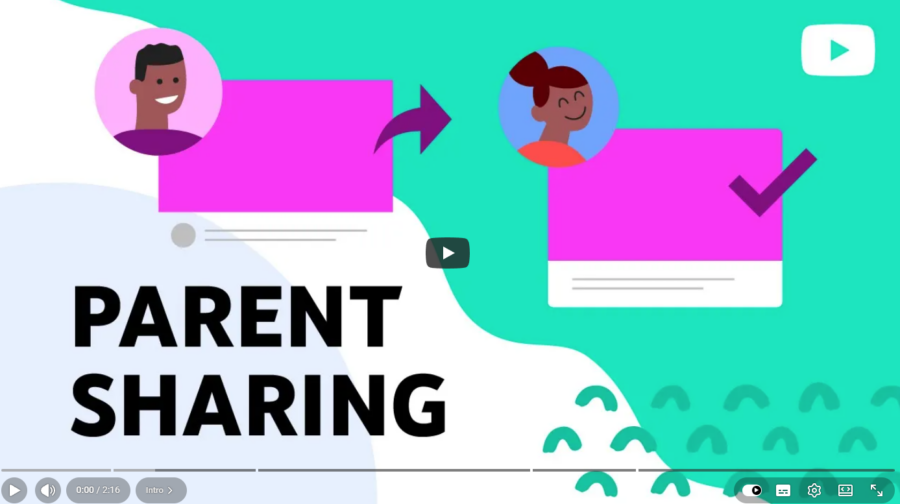
A feature that has been within YouTube Kids for years, but so very few parents know about, is called ‘Parent Allowlisting’. This does a number of things, but one of the most important and useful is that parents can keep their younger children within the safer environment of the Kids app, and parents can approve individual videos from the main YouTube service to that particular child’s YouTube Kids account. This keeps younger children away from the dreaded recommender algorithms and allows parents to moderate what their children can or cannot see.
I have linked a short video which is on YouTube to explain what Parent Allowlisting is and how it’s used:
Link: YouTube Kids Parent Allowlisting
For Parents – What is Monetisation
Monetisation is how content creators earn money through social media and video-sharing platforms, with some creators using dishonest practices to receive more activity on their posts.
Internet Matters have put together a brilliant information guide and you can find the link below.
Link: For Parents – What is Monetisation?
For Parents – Starting the Conversation
The Family Online Safety Institute (FOSI) have produced a great new, simple guide aimed at helping parents start those conversations which can be very difficult. This is specifically for young people rather than teenagers as it covers online dating safety, digital consent and boundaries.
Link: For Parents – Starting the Conversation with Young People.
